
Recommended NVMe SSDs in 2026 | UAE Edition
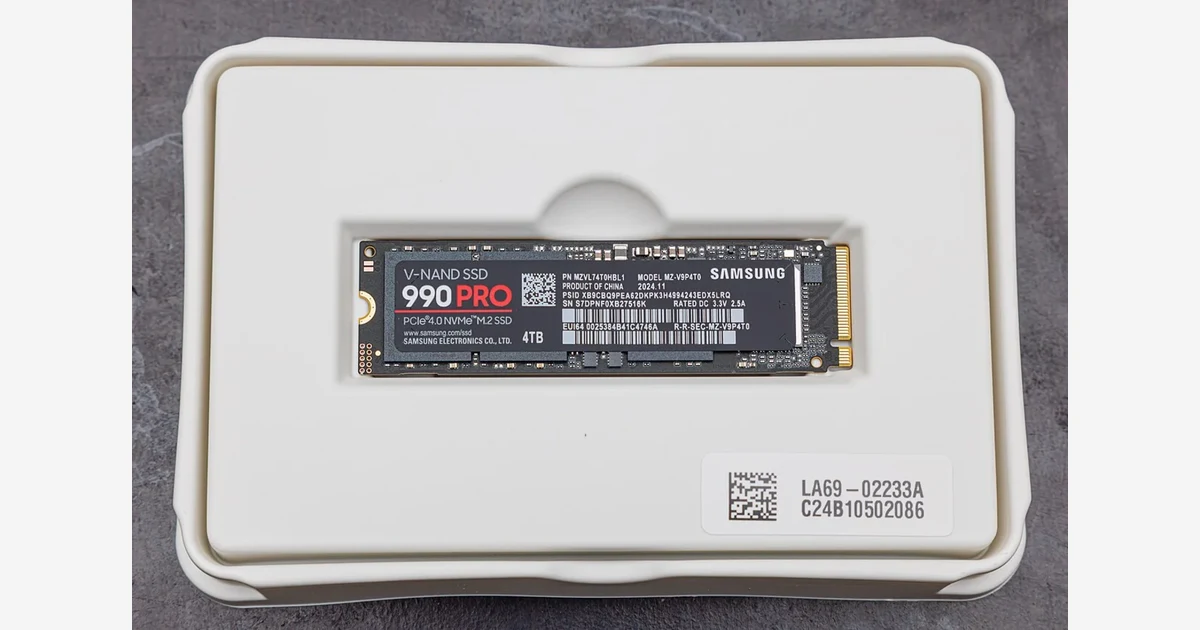 Photo: Wikimedia Commons, CC BY-SA 4.0
SSDs are the most boring part of a build to shop for and the easiest to get wrong. Every listing screams "7000 MB/s!" and every YouTube thumbnail promises "FASTEST SSD EVER!" - but for gaming, the difference between a mid-range Gen4 drive and the fastest Gen5 drive on earth is measured in seconds of load time, not anything you'll feel. Here's how to buy right in the UAE. Faster load times are nice, but no SSD on earth will fix your aim.
The honest truth about speed
Game load times are dominated by random read performance, and every decent modern drive has plenty. Going from a SATA SSD to a Gen4 NVMe: noticeable. Going from Gen4 to Gen5: barely. The main people who benefit from Gen5 are professionals moving massive files (video editors, 3D artists) and people who like big benchmark numbers. For gamers, Gen4 is the sweet spot and often costs half as much per GB.
Capacity: buy 1TB minimum, 2TB if you can
Modern games are 100-250GB each. A 500GB drive holds two games plus Windows. A 1TB drive holds five to eight games. A 2TB drive holds everything you actually play and then some. The price difference between 1TB and 2TB has collapsed in 2026 - if the 2TB is within 40% more, take the 2TB. You will never regret having more space; you will absolutely regret running out.
What to look for (and ignore)
- DRAM cache matters more than peak speed - a drive with DRAM keeps performance consistent during big writes. Most 1TB+ drives from Samsung, WD, Crucial, and Kingston have it. Check the spec page before buying no-name brands.
- Ignore the "7000 MB/s" headline - real-world game loads differ by single-digit percentages between good drives.
- Heatsinks: needed for Gen5, optional for Gen4 - Gen5 drives get hot and throttle without cooling. Most Gen4 drives run fine on motherboard heatsinks. In Dubai's ambient heat, a $5 heatsink on any drive is cheap insurance.
- PS5 compatibility - if you're expanding a PS5, you need a Gen4 drive; Gen5 won't be recognized. Look for "PS5 compatible" in the listing.
Top picks (UAE prices)
Some buy links on this page go to Amazon.ae. As Amazon Associates we may earn a commission on qualifying purchases through those links, at no extra cost to you - see our affiliate disclosure.
Prices checked against live Amazon.ae listings on 19 September 2026.
Budget 1TB: fanxiang Gen4 (around 580 AED)
Rated up to 7,000 MB/s and the cheapest way into a proper Gen4 drive. It is not the drive you buy for heavy sustained writes, but for a boot drive and a games library it does everything you need and leaves budget for capacity elsewhere.
Best value 2TB: Lexar NM710 (around 949 AED)
The cheapest 2TB on this list worth trusting, and the one we would put in most builds. Doubling capacity for well under double the 1TB price is the best value decision in the whole storage category right now, particularly with install sizes climbing.
Mainstream 2TB: Crucial P310 and WD Blue SN5100 (around 977 to 1,029 AED)
A step up in sustained performance and endurance for roughly thirty to eighty dirhams more than the value pick. If you write large files regularly rather than just loading games, this is where the extra money starts earning its place.
Enthusiast 2TB: Samsung 990 EVO Plus and 990 Pro (around 1,178 to 1,519 AED)
The drives that will outlive the rest of the build. The 990 EVO Plus is the sensible end of this tier and the one we recommend; the 990 Pro costs meaningfully more for gains you will only notice under heavy sustained load. Both hold their performance well in a warm case.
UAE buying tips
- Watch for grey-market drives - an SSD priced 40% below the next seller is either a fake, a refurb, or a stripped-down OEM model. Check the seller and the warranty.
- UAE warranty is worth paying for - SSDs rarely die, but when they do, an international warranty means shipping it abroad. Buy from sellers advertising UAE warranty.
- Heat is real here - if your case has bad airflow and you run a Gen4 drive without a heatsink, it'll throttle during long writes. Motherboards with built-in M.2 heatsinks solve this for free.
Verdict
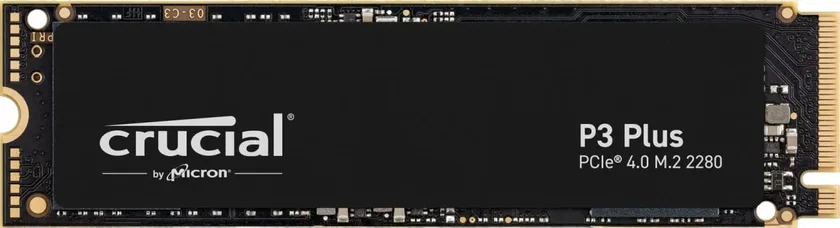
Budget build: Crucial P3 Plus 1TB. Most builds: Samsung 990 EVO or WD SN770 1-2TB. Enthusiast: 990 Pro or SN850X 2TB. Creators: Gen5 with a heatsink. And the timeless advice - buy 2TB if the price is close; you'll thank yourself in a year.